
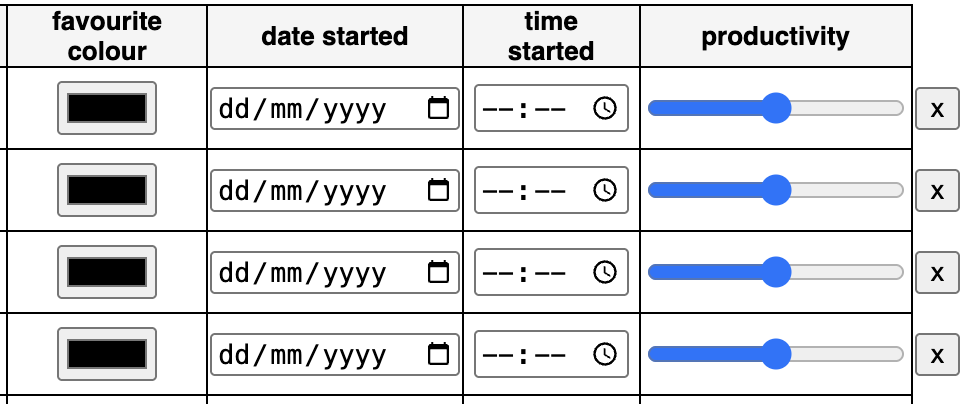
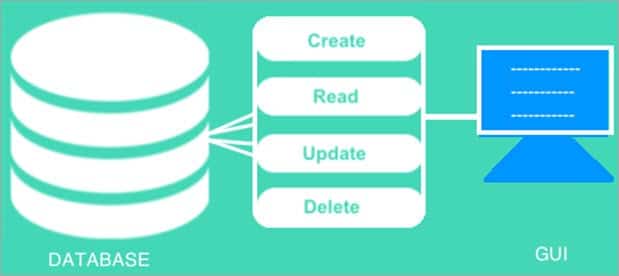
As I made more web apps, I realised the apps often needed a way to interact with a database - create, read, update and delete records, which is known as CRUD.
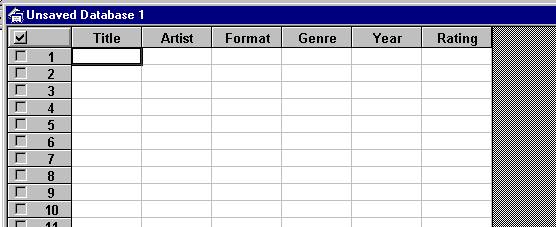
I liked database interfaces I'd used before, such as Microsoft Access, and I wanted to make a JavaScript library which could quickly recreate a similar interface on a web page.
I called my library "Tablescript". All you need to do to add an interactive table to a web page is make a Tablescript object and decide where to put it. The Tablescript library does the rest!
Here are some of the features of a Tablescript table.
Here's some JavaScript code to create a simple table for updating employee records. Feel free to experiment with the table it creates below!
var object_data = {
  name: {
    html: "<input class='name' type='text'>",
    options: {primaryKey: true}
  },
  sex: {
    html: "<select class='sex'><option></option><option value='1'>male</option><option value='2'>female</option></select>",
    options: {enterNew: {table: "sexes", field: "sex"}}
  },
  notes: {html: "<textarea class='notes' rows='2' cols='20'>"},
  favourite_colour: {html: "<input class='favourite_colour' type='color'>"},
  birthday: {html: "<input class='birthday' type='date'>"},
  productivity: {html: "<input class='productivity' type='range'>"}
};
var array_existing_data = [{
  name: "Paul Sanderson",
  sex: 1,
  notes: "Paul is our best employee.",
  favourite_colour: "#adff2f",
  birthday: "1970-06-18",
  productivity: 100
}];
var object_table = new Tablescript(document.getElementById("table"), object_data, {existingData: array_existing_data, maxRows: 100});